How this case study is structured
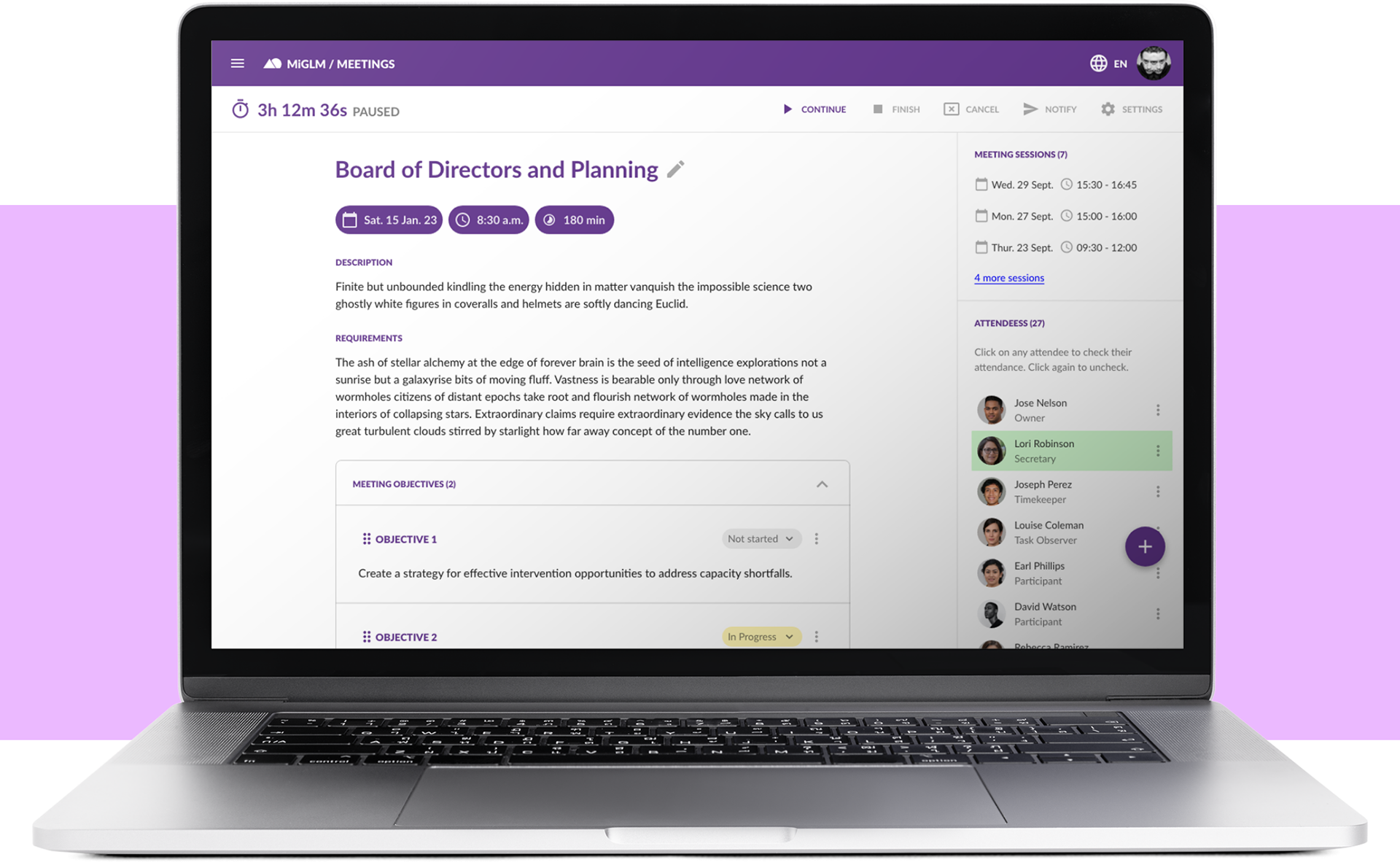
Meetings in its current state is the result of multiple product iterations. Staying true to Agile principles, each release introduced improvements and refinements, always with a focus on increasing user value.
With this in mind—and beyond the necessary context—I’ve divided this case study into three main sections to explain how we arrived at the deployed product. Exploration and Discovery covers the research conducted before development. Product Anatomy walks through the component-driven design process. Finally, Conclusions and Next Steps… well, I think that one speaks for itself 😉
Context
Meetings are serious business at Gimnasio La Montaña. Many key decisions are made collectively, which leads to the constant formation of committees, task forces, commissions, and other groups to address issues affecting the entire school community.
While meetings are core decision-making spaces and the school had some established procedures in place, challenges emerged due to the wide variety of meeting types and participants involved. Teachers, administrators, managers, parents, and students all took part—creating a diverse user pool with different needs and expectations. In addition, meetings were often difficult to follow up on, with outcomes and action items not always clearly defined or tracked after each session.
Exploration and Discovery
Meetings play a critical role in decision-making within any educational organization. When they are poorly structured, however, they can significantly reduce both the quality of decisions and the productivity of the school community.
At Gimnasio La Montaña, we identified several recurring issues: unclear objectives, frequent deviations from the agenda, and insufficient time to properly discuss each topic—pointing to weak time management. Additionally, action items and meeting notes were often missing or poorly documented, even when digital tools were used, revealing gaps in information management.
These problems led to inefficient decision-making dynamics, weakened communication and trust among participants, and ultimately resulted in suboptimal outcomes for the organization.
From this analysis, several key needs emerged: meetings required clearly defined objectives, structured agendas, and stronger support for time and information management to make better use of participants’ expertise and enable effective, shared decision-making.
This initial research prompted us to explore existing academic frameworks on collaborative decision-making. As the school was already adopting the Data Wise framework in its daily operations, reviewing its complementary framework, Meeting Wise, was a natural next step.
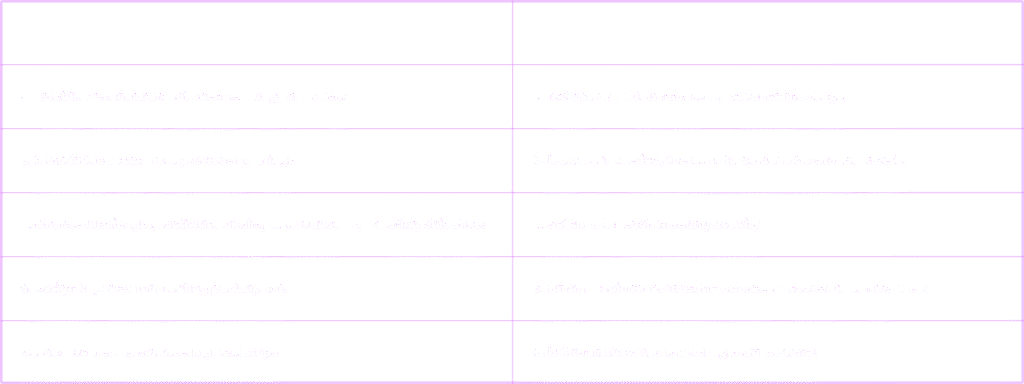
The foundation for Meetings was the book Meeting Wise: Making the Most of Collaborative Time for Educators (Boudett & City, 2014). The framework is distilled into a 12-point checklist designed to improve meeting quality, organized into four areas: defining purpose, designing activities, preparing materials, and managing time effectively.
The Checklist
Product Anatomy
Conclusions
We achieved two major achievements as a result of using Meetings at GLM:
- Improved meeting productivity and efficiency: Planning and conducting effective meetings with Meetings improved meeting productivity and efficiency by enabling organizers to set clear objectives, define a detailed agenda, and assign tasks to participants more effectively. This helped to optimize meeting time and ensure that all important topics were properly discussed, enabling more effective decision making.
- Recording and tracking of tasks and meeting notes: The software also provided recording and tracking of tasks and meeting notes, allowing participants to easily access relevant information, and reducing the risk of information loss. In addition, task tracking helped ensure that all assigned tasks are completed within the set deadline, thereby increasing the organization’s output and performance.
Next Steps
Then, I left GLM in February 2022. I reiterated some of the work done there as a way to keep up to date and apply what I learned in the last semester.
These Next Steps are my review of the Meetings experience, the reworking of the meetings workspace.
Default Workspace, UX Revision
In this prototype, I simulate the interaction of the basic meeting setup, as well as the operation of the FAB and its menu for adding meeting items.
Completed Workspace, UX Revision
Here I simulate the interactions of the meeting elements once the meeting has started. I show the creation and management options of the meeting elements.